
Core systems
Structured networking, lighting control, distributed audio, cameras, access, shading, and media spaces should share a clear operating strategy.
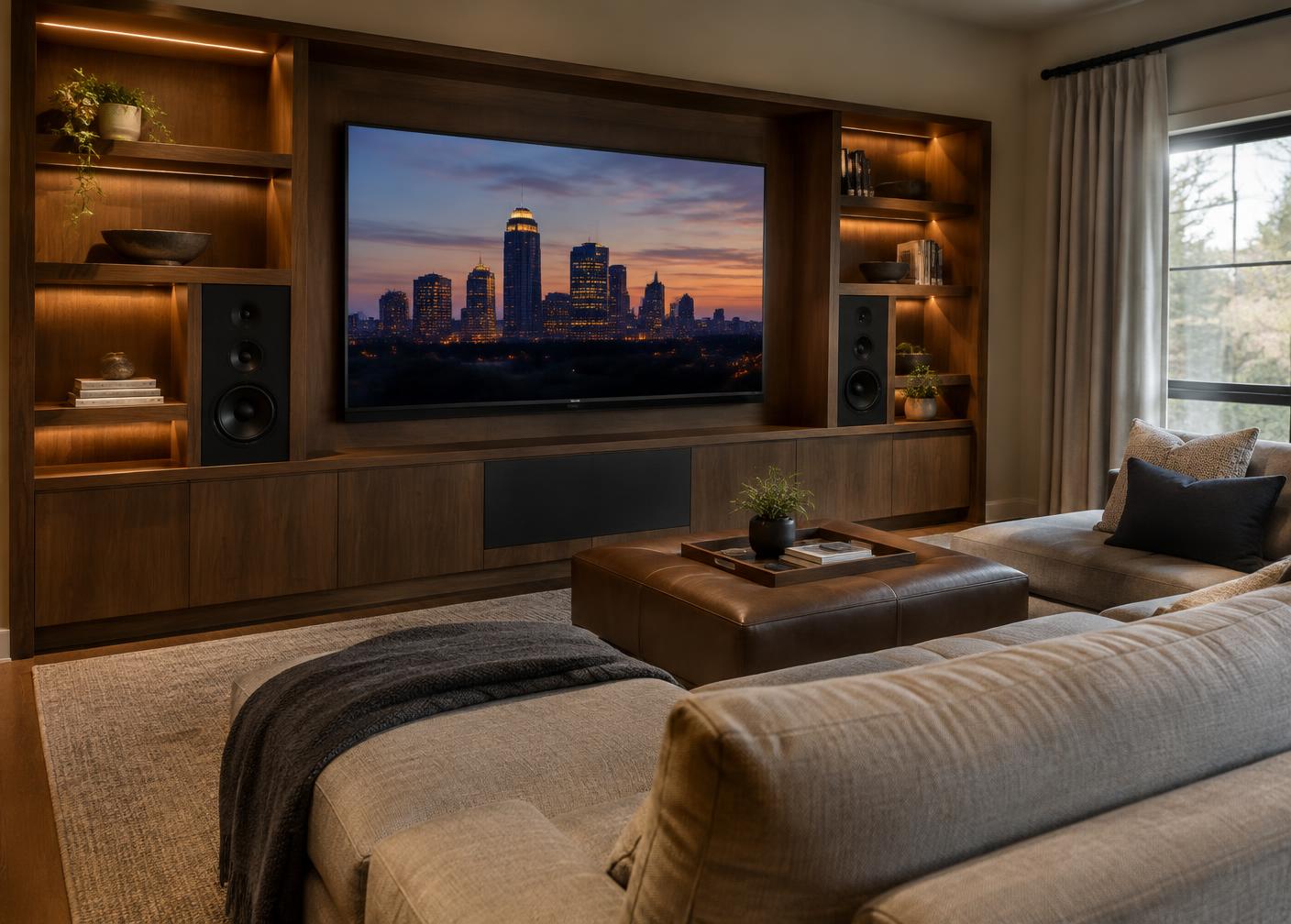
Highland Creek & Moss Creek / Home Technology
Reliable connectivity, lighting, audio, climate, shading, security, and entertainment work best when they are planned as infrastructure—not added as gadgets.
At a glance
A stable wired and wireless foundation supports every connected system.
Planning wire, power, ventilation, and equipment locations early protects finished rooms.
Peters Audio Video designs and supports whole-home systems across the Charlotte area.
The deeper view
Structured networking, lighting control, distributed audio, cameras, access, shading, and media spaces should share a clear operating strategy.
The goal is fewer interfaces, dependable scenes, and supportable equipment—not complexity for its own sake.
Conduit, wiring pathways, rack capacity, and documentation make future updates less disruptive.
In practice
Survey the existing network before choosing screens or speakers. Construction materials, room layout and outdoor spaces can all affect wireless coverage. Hardwired connections and sensible equipment locations provide a more dependable foundation for the systems used daily.
In renovation, decide where cabling, power and ventilation will go before walls are closed. In a finished home, ask about practical retrofit paths and the disruption involved rather than assuming every solution must be wireless.
Choose controls that visitors and household members can understand without a manual. Document wiring and equipment, plan for updates, and distinguish monitored security services from the cameras and devices installed in the home.
Perspective
Home technology changes faster than the walls around it. Plan infrastructure — cabling, conduit, equipment space, power and ventilation — to outlast the devices it supports. A well-documented network and wiring plan makes it far easier to replace a speaker, a camera or a control system years later without opening walls again.
Usability is the other half. The best systems are the ones every member of the household can operate without help: clear wall controls for lighting, a simple way to play music in any room and a dependable network. Ask to see the controls before installation and agree on documentation and support at handoff.
Your checklist
Questions & answers
Often yes, with retrofit wiring paths or wireless options. Discuss disruption and performance trade-offs with the installer.
Hardwired connections are generally more dependable for fixed equipment; wireless is convenient for mobile devices. Most homes benefit from both.
Not necessarily. Monitored security is a separate service; confirm what an installation includes.
They can. Check architectural guidelines before installing exterior cameras, speakers or antennas.
Keep exploring
Sources and further reading: Highland Creek community · Moss Creek neighborhood · Community school guide. Details may change; confirm at the source.